Read Receipt
IMKit provides read receipt functionality for one-to-one and group chats. App users can track whether their messages have been read by recipients.
The feature is enabled by default in IMKit's built-in interface. In one-to-one chats, message read status updates automatically. For group chats, senders must manually request read status updates.
Toggle Read Receipts
Read receipts are enabled by default in IMKit and displayed for both chat types.
To disable this feature, set the following variable to false in res/rc_config.xml:
<bool name="rc_read_receipt">false</bool>
When disabled, read receipts won’t appear in either chat type.
Alternatively, dynamically configure supported conversation types before loading the chat UI:
// Enable read receipts only for one-to-one chats
RongConfigCenter.conversationConfig().setSupportReadReceiptConversationType(Conversation.ConversationType.PRIVATE);
One-to-One Chat Read Receipts
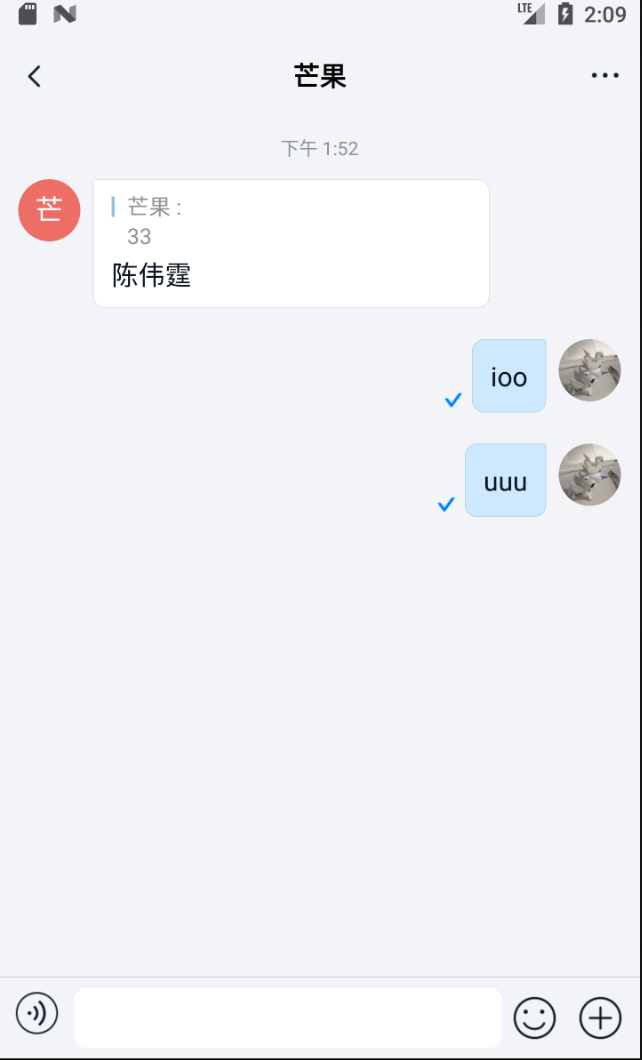
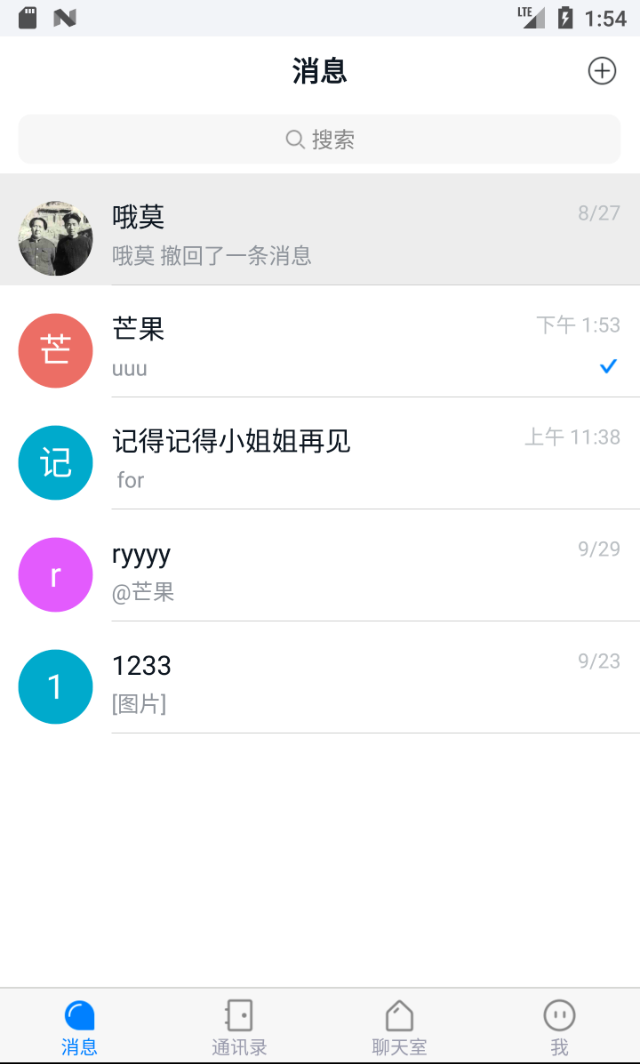
In one-to-one chats, senders receive real-time read status updates. IMKit displays this in two places:
- Chat UI: A checkmark appears at the bottom-left of sent messages when read.
- Conversation List: A checkmark in the preview pane’s lower-right corner indicates the last message was read.
Group Chat Read Receipts
IMKit’s group read receipts currently support text messages only.
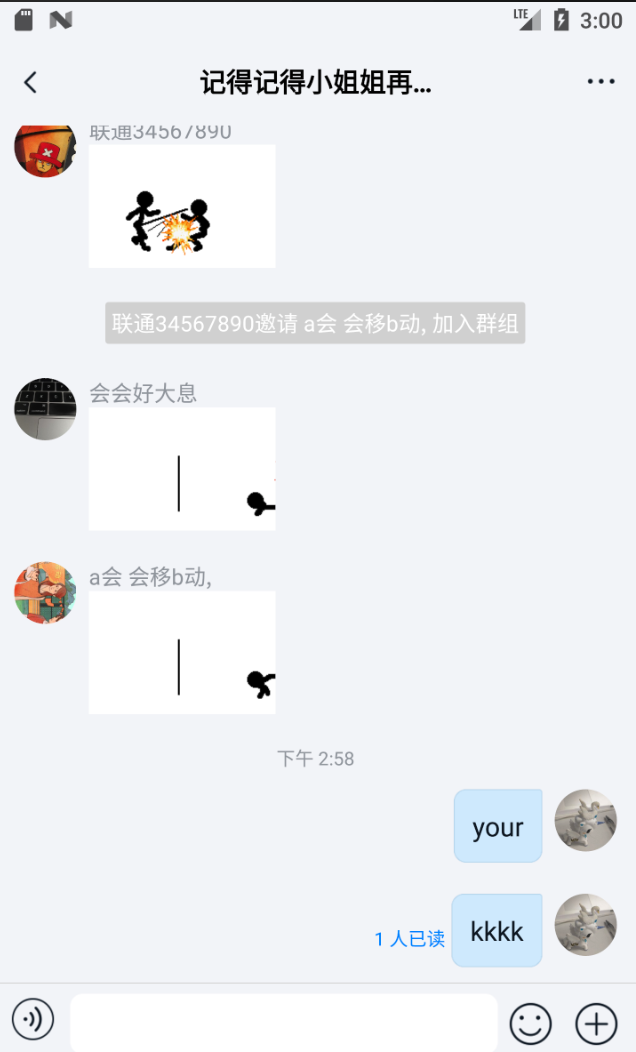
After sending a group message, senders have 120 seconds to manually request read counts. A checkmark button (read receipt request) appears at the message’s bottom-left. Tapping it triggers the request. To avoid message flooding, SDK limits automatic receipt requests to 5 per second. After receiving results, IMKit updates the UI to show “Read by n members”.
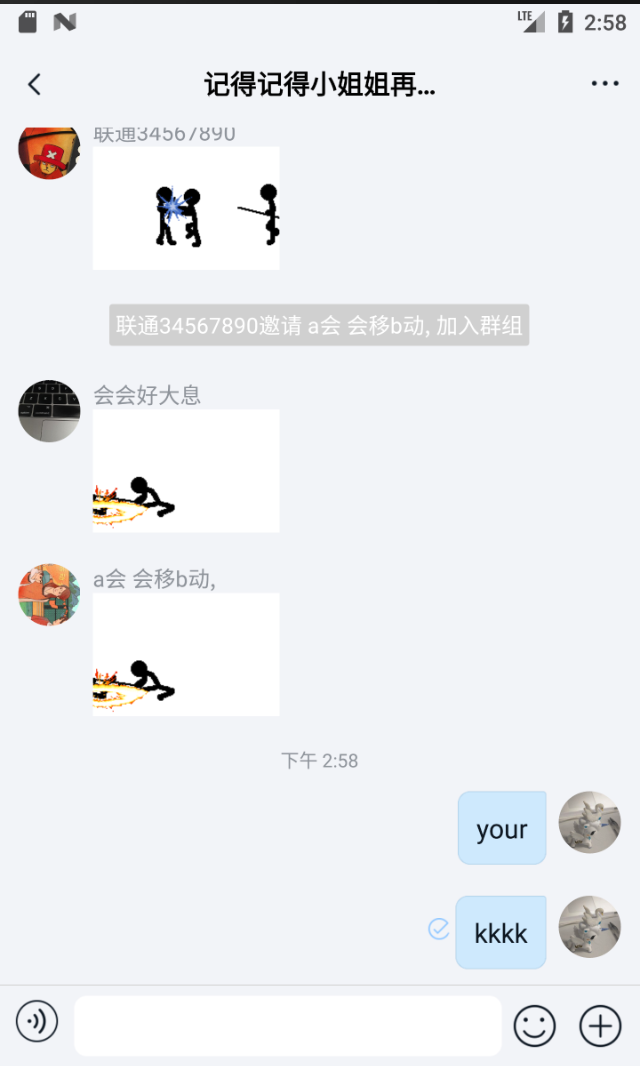
The request button disappears after 120 seconds. Adjust this duration in res/rc_config.xml:
<integer name="rc_read_receipt_request_interval">120</integer>