Add Friend Page
The AddFriendList page allows users to search and add new friends. Users can enter a friend's unique identifier to search and view results. Below are detailed descriptions of related components:
- AddFriendListActivity: Container class for the add friend page, responsible for loading and displaying
AddFriendListFragment. - AddFriendListFragment: Core component of the add friend page, handling UI elements like search bars and prompts, as well as user input and search operations.
- AddFriendListViewModel: Data and business logic handler, responsible for searching friends based on user input and passing results to
AddFriendListFragment. - XML Layout:
rc_page_friend_list_add.xml
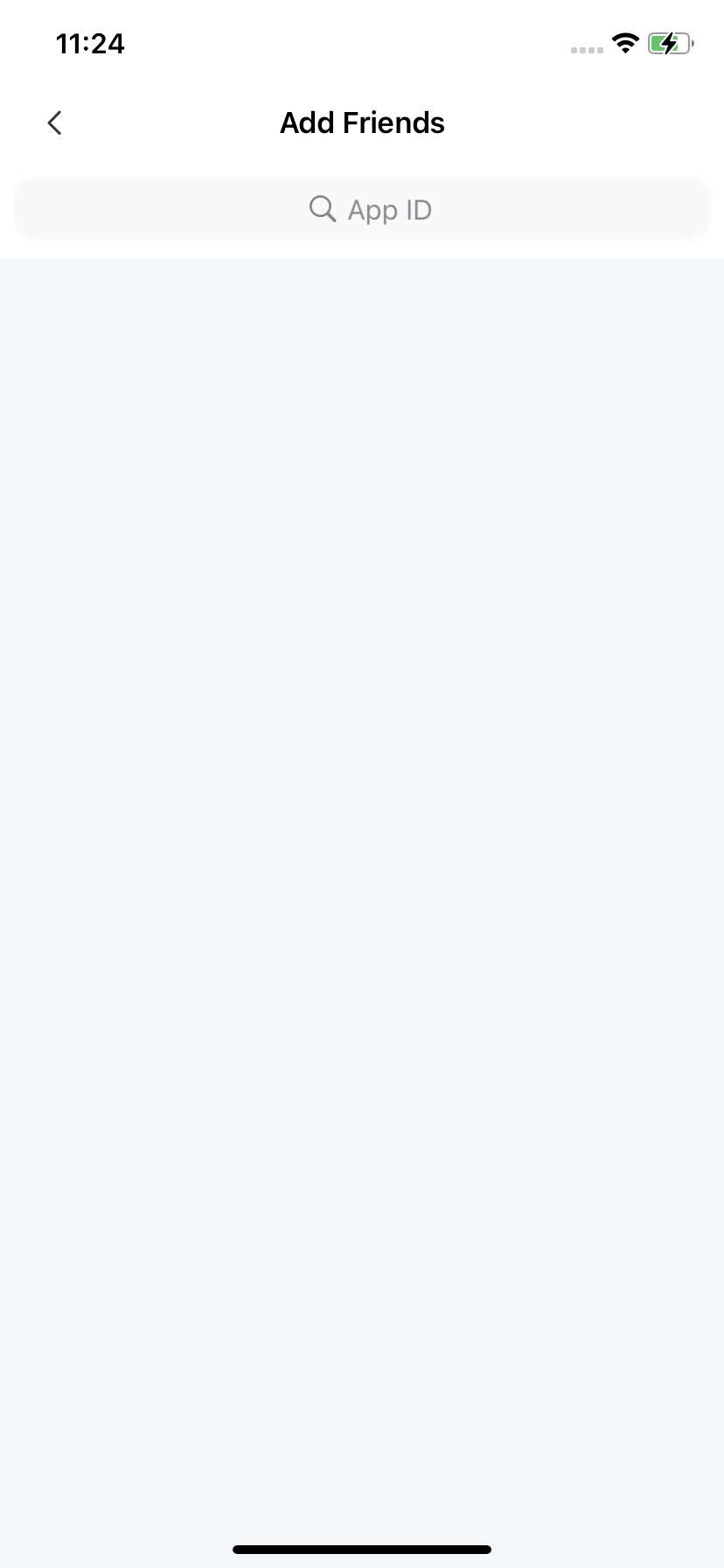
Launching the Add Friend Page
startActivity(AddFriendListActivity.newIntent(getContext()))
Customization
See User Profile Hosting Page Design for custom Fragment implementation.
// Custom CustomAddFriendListFragment
public class CustomAddFriendListFragment extends AddFriendListFragment {

    @Override
    protected void onViewReady(@NonNull AddFriendListViewModel viewModel) {
      super.onViewReady(viewModel);
      // Modify title text
      headComponent.setTitleText("New Title");

      // Override back button click event
      headComponent.setLeftClickListener(new View.OnClickListener() {
            @Override
            public void onClick(View v) {

            }
        });

      // Override search behavior
      searchComponent.setSearchQueryListener(
                new SearchComponent.OnSearchQueryListener() {
                    @Override
                    public void onSearch(String query) {
                      // Search input callback
                    }

                    @Override
                    public void onClickSearch(String query) {
                        // Search button click callback
                    }
                });
    }

    // Override search result navigation logic
    @Override
    protected void onUserProfileSearchResult(UserProfile userProfiles) {

    }
}