Enable RTC Services
RC Developer Account
Before getting started, ensure you've registered an RC developer account. The Console automatically creates a development environment application using the China (Beijing) Data Center for new registrants. You may also create applications manually. The App Key is required when integrating client SDKs.
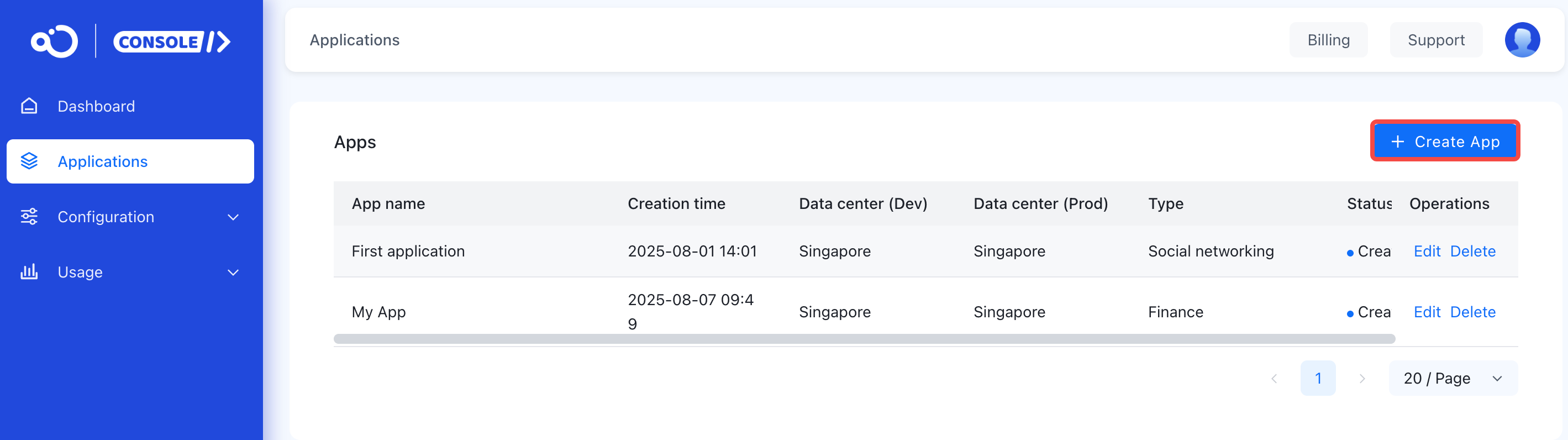
RTC services are disabled by default for applications created in RC. Before using any RTC services, you need to enable them in the Console.
Service activation/deactivation takes up to 15 minutes to take effect.
RTC Service Types
Depending on your application type and business scenario, you may need to enable all or specific RTC services.
| Service Type | Description | Console Service Name | Console Link |
|---|---|---|---|
| Calling | Develop calling applications using CallKit/CallLib | RTC Calling | Enable RTC Calling |
| Conference | Develop conference applications using RTCLib | RTC Calling | Enable RTC Calling |
| Live Streaming | Develop low-latency live streaming applications using RTCLib | RTC Live StreamingNote1 | Not self-service. For inquiries, contact sales. View sales contacts on the RTC Live Streaming page. |
Note¹: RTC Calling service must be enabled before activating RTC Live Streaming.
Free Trial Duration
Each development environment application receives 10,000 free trial minutes.
Activation Steps
Submit a ticket to enable RTC services.